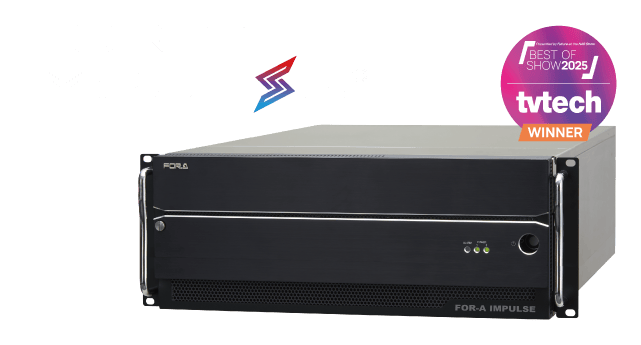

Function-integrated live production solution
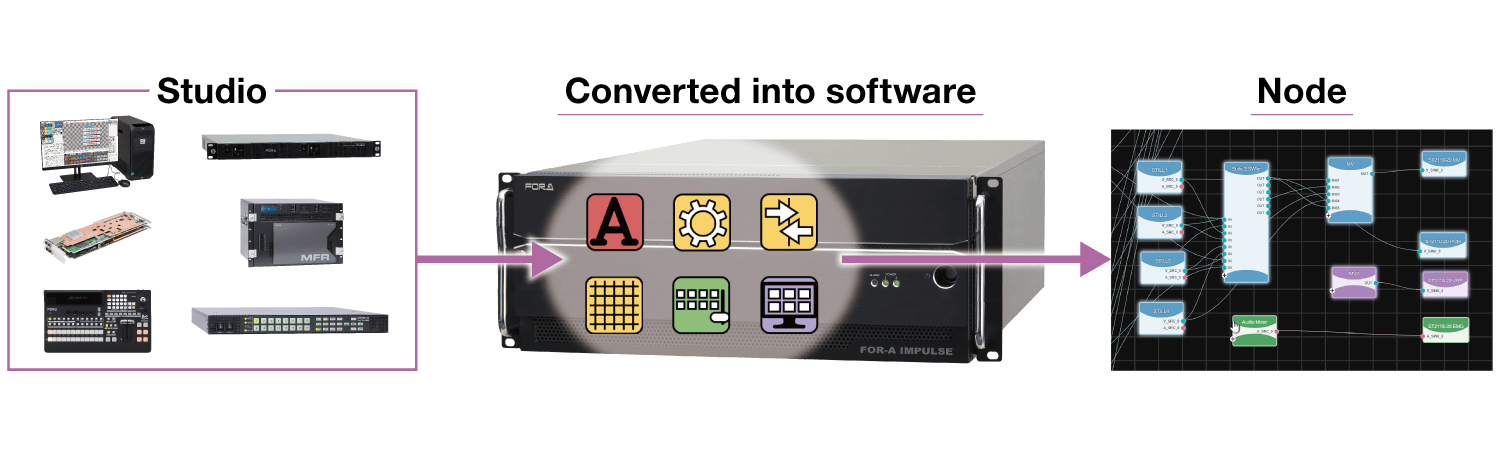
The FOR-A IMPULSE® enables flexible system construction and efficient operation with a software-defined architecture within a MoIP system. The functions of a wide range of FOR-A products have been converted into software and integrated into a single box. Flexible system-building and operation are realized with an intuitive workflow UI.
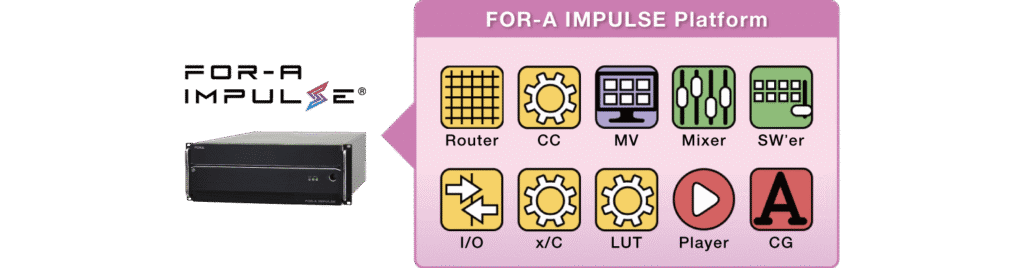
FOR-A IMPULSE is a registered trademark of FOR-A Company Ltd. in Japan.
Key takeaways
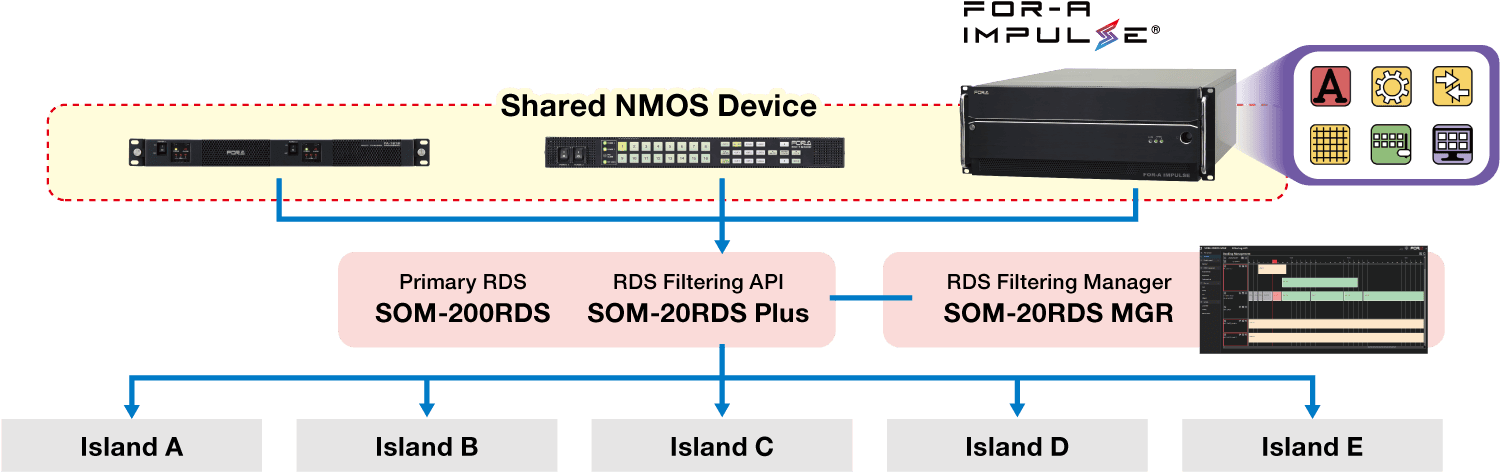
Features
- Efficient system operation and improved cost-effectiveness
By integrating and operating software-based functions on a common platform, the number of devices and the number of connections between devices can be reduced to simplify, improve efficiency, and reduce costs and labor. This enables lean operation. GUIs that can be operated intuitively also contribute to efficient operation. - Flexible system construction
Systems can be flexibly enlarged or reduced as required. A single system can be used in a variety of applications. - Highly flexible operations
With just a web browser, all operations can be performed remotely. An intuitive UI allows users to operate, manage, support, and maintain a video production workflow at anytime, anywhere. - Secure environment
Each function is grouped with Suite function, and access privileges are managed for each group, enabling the secure operation of multiple systems. - Creation of New Business Opportunities
Flexible system configuration enables the continuous expansion and modification of existing systems and deployment of new applications and services.
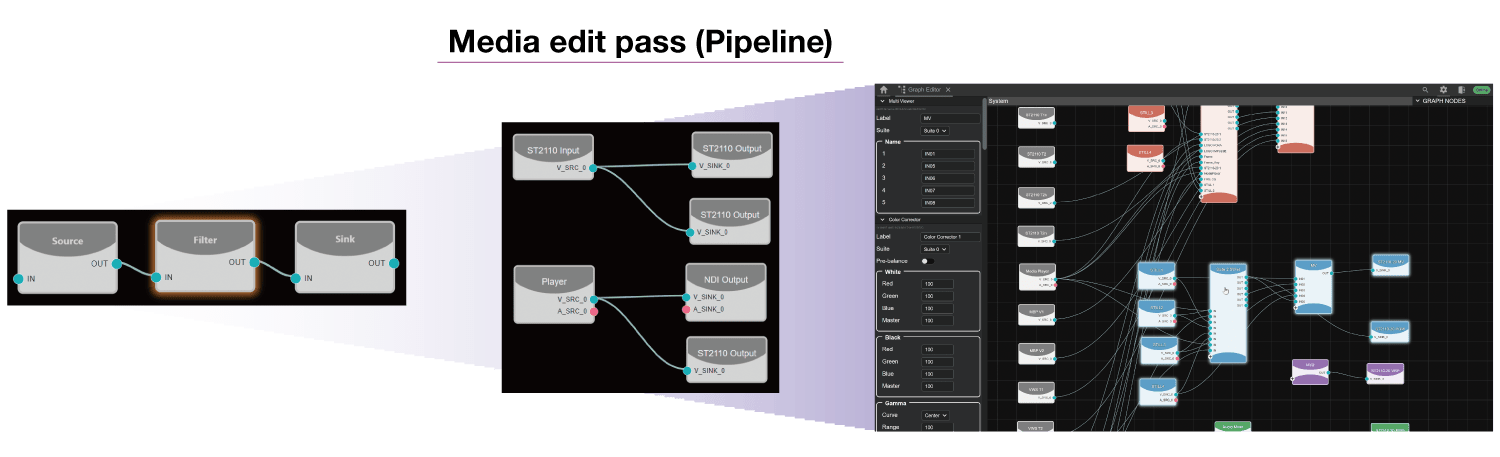
Node
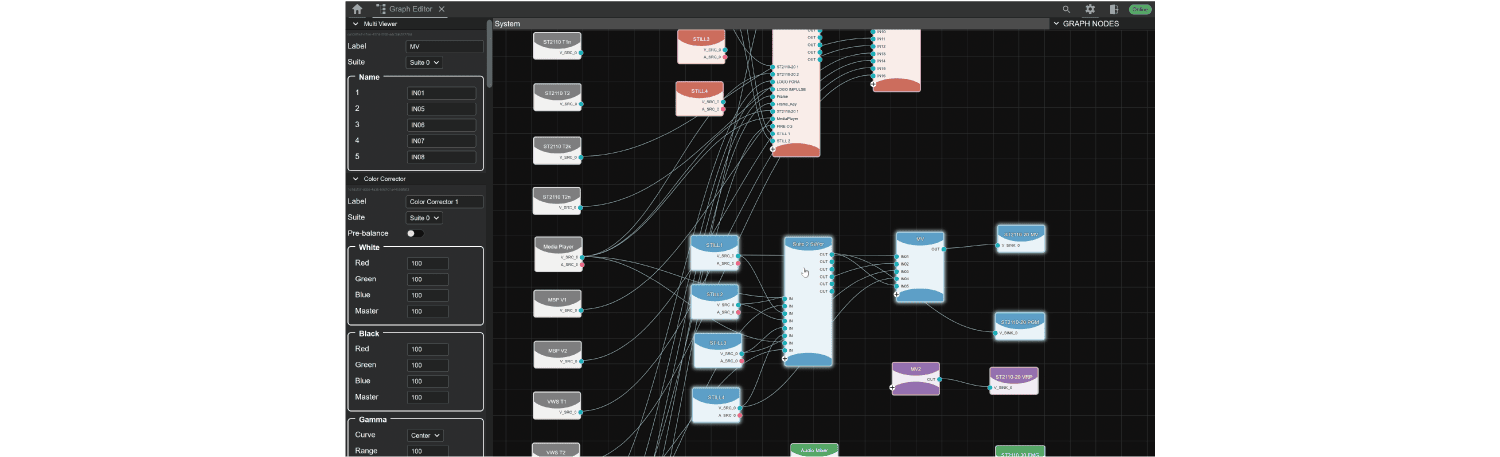
The basic unit of media processing for a software-defined function. Connect a Node with the Graph Editor to build a pipeline, enabling flexible media processing. The system can be easily changed, enlarged, or reduced according to the operation, and it can be utilized across several MoIP systems. Some Nodes, such as Video Switcher Node and Audio mixer Node, have more than one Node and called Composite Node.
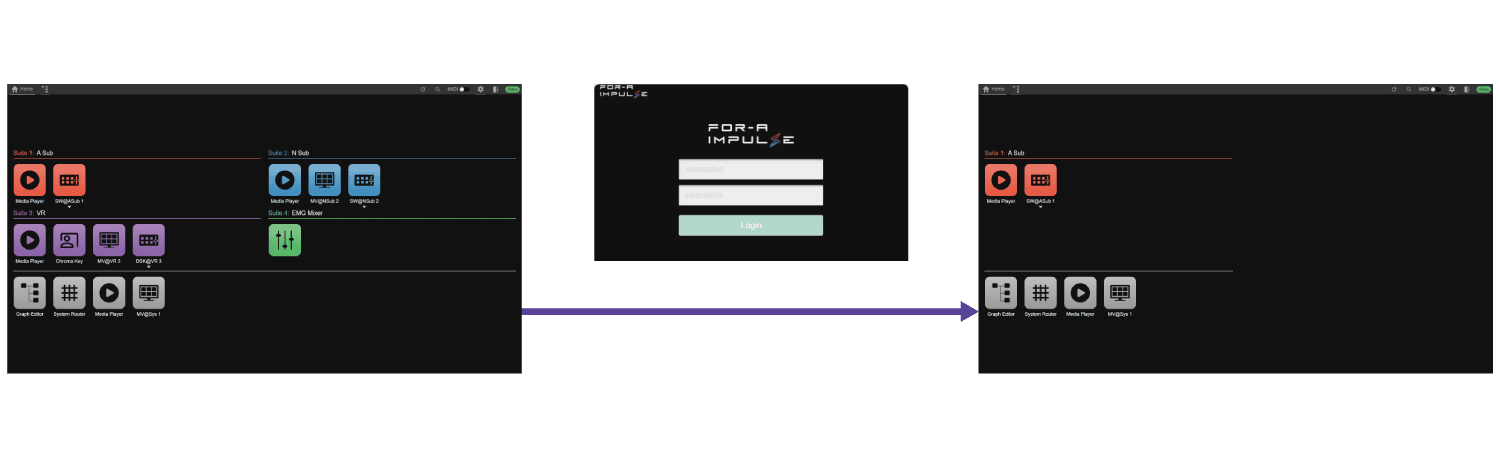
Suite
Each user is assigned a Role, and the Suite manages the access permissions for each Role. Users can only access the Suite to which their Role has access.
GUI
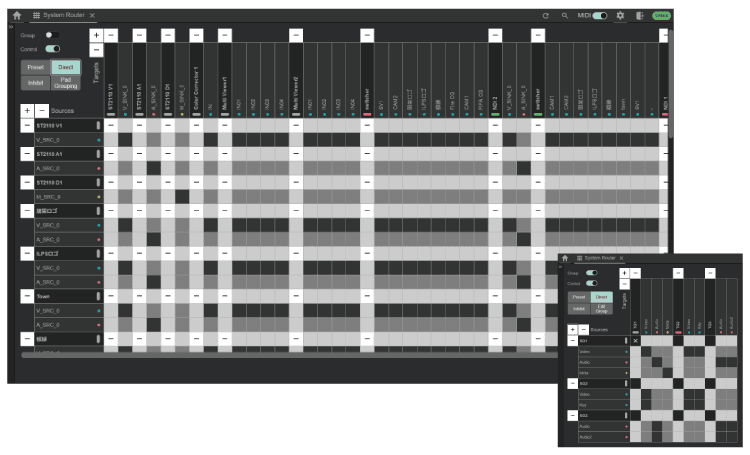
A GUI that allows system construction with intuitive visual operation. You can select and arrange the required Node and change the connectivity between Nodes to build and change any system. The Graph Editor provides real-time video previews with mouse-over views and smooth transitions between Node and GUI with shortcuts.
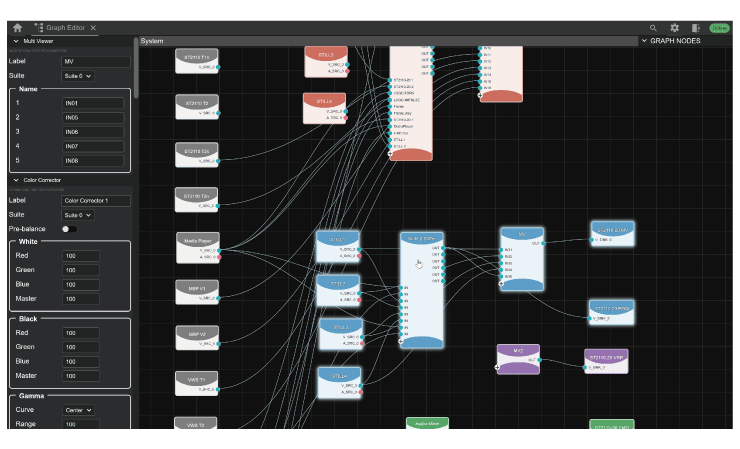
Connectivity switching between Node in the system hierarchy can be done in the same way as with baseband routers and broadcast controllers. The grouping function allows you to switch between video/audio/metadata or video/key pairs simultaneously.
Switcher Node
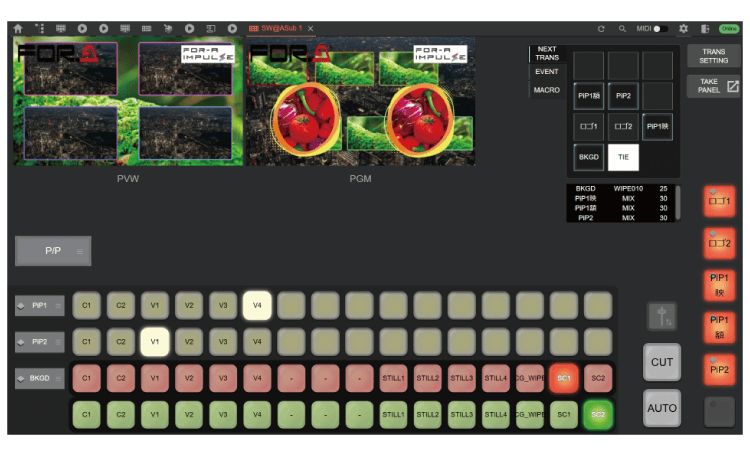
A FOR-A switcher’s video composite engine and effects are software-defined as a Node so that the Switcher Node can be flexibly structured. A Node can be combined with intuitive controls to add complex compositing and effects.
Panels that support basic operations can be operated via hardware panels for the purpose of assisting with simple operations or failures, and for backing up. Remote control is possible while watching the live image return feed.
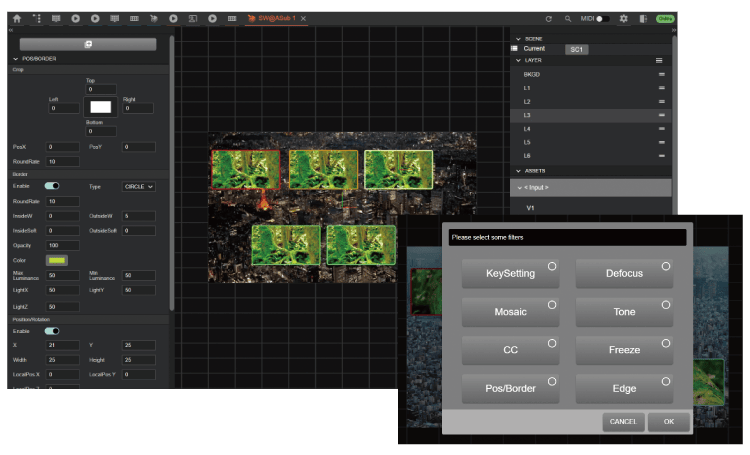
Users can add layers by dragging and dropping, grouping layers, and adding video filters.
Both the software panel and the hardware panel can be connected. The use of familiar panels to reduces the operational load.
- Please contact your FOR-A dealer for connectable hard panels.
MV Node & Layout Editor
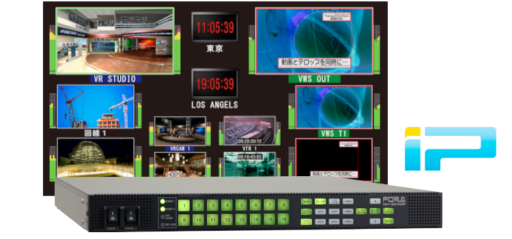
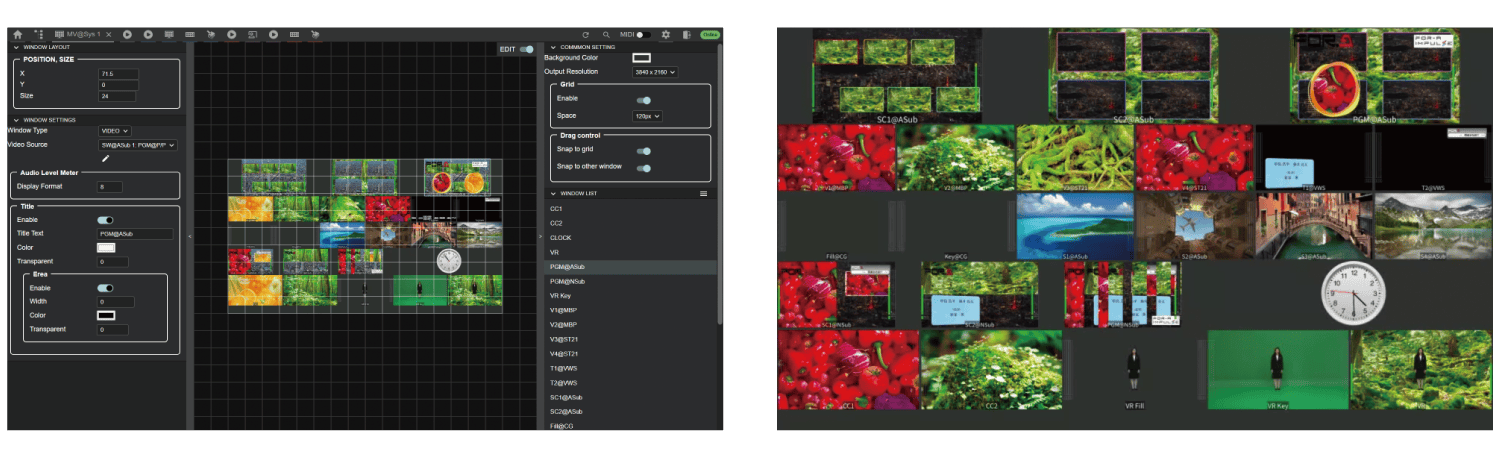
MV can be output at 4K resolution even with HD systems. The Layout Editor allows intuitive and free layout manipulation. Items can be arranged in the same way as the FOR-A MV Series*. The system status can be checked from anywhere in the monitoring mode.
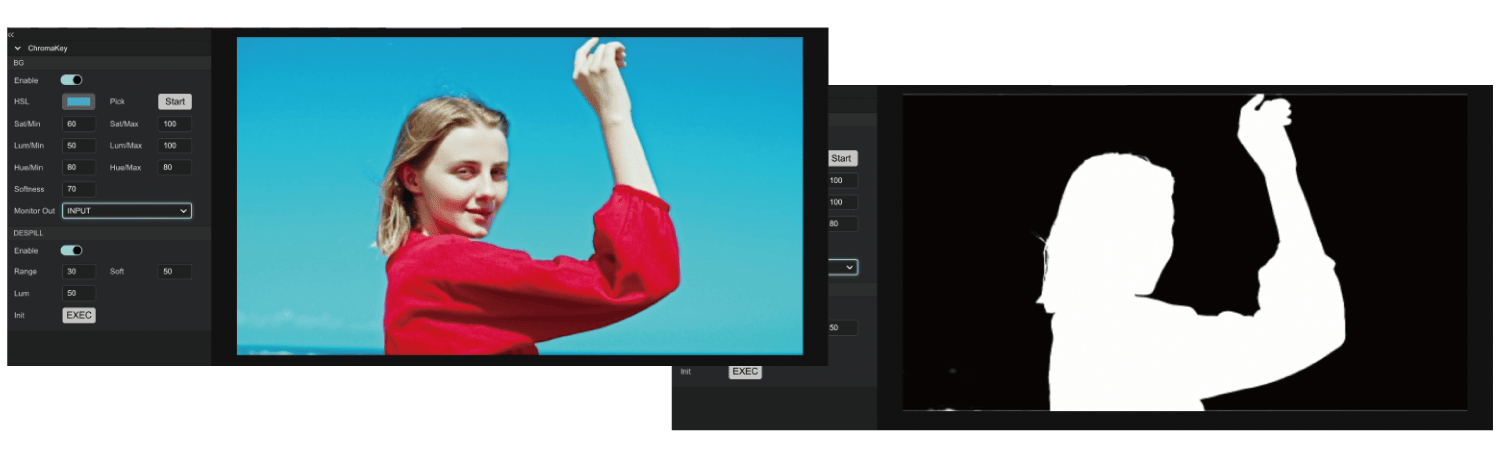
Chroma KEY Node
Can be used for front and back color correction and key composition. The color pick operation allows you to select the color of the key composition while checking the blue screen material feedback.
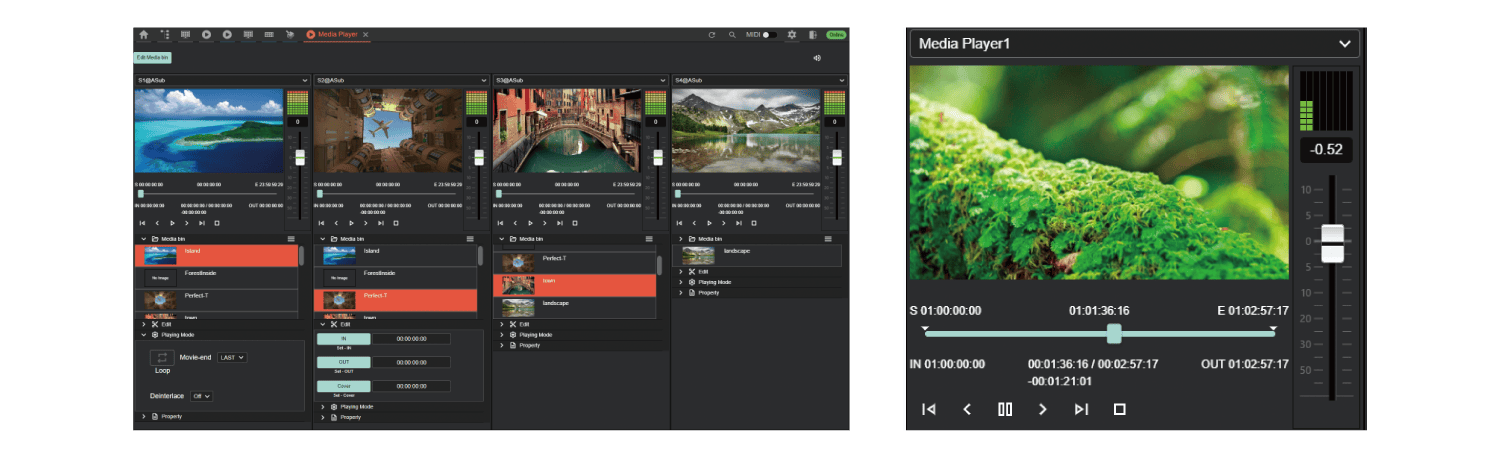
Media Player Node
Selects and plays internal content and previews the recorded video. Users can also create a new clip by setting a in/out point for the clip. Contents can be restricted by Suite function, enabling secure content operation.
Audio Mixer Node
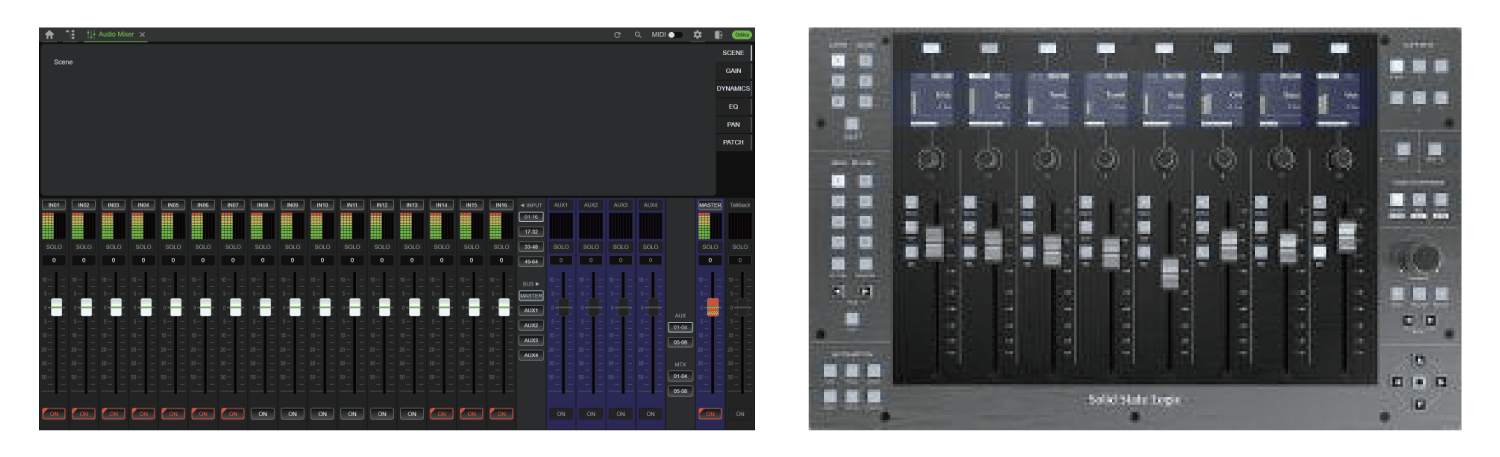
Audio Mixer Node is a composite Node same as the switcher Node. It can be utilized as an EMG Mixer when operating with an external Mixer. Can be routed to the main audio mixer to output a return signal synchronized with the video. Control via external audio console is available.