
FOR-A COMPANY LIMITED
Home Products About us News&Event Where to buy Contact
Product List by Category Product index Product Demonstration
Overview and Specifications
Appearance (Front, Back)
Downloads Catalog (PDF)
Download User Manuals (PDF)
General Inquiry
Technical Question
 
Back
Site Search
Search
Search for all Products Search


Sensor-less Virtual Studio System
VRCAM2


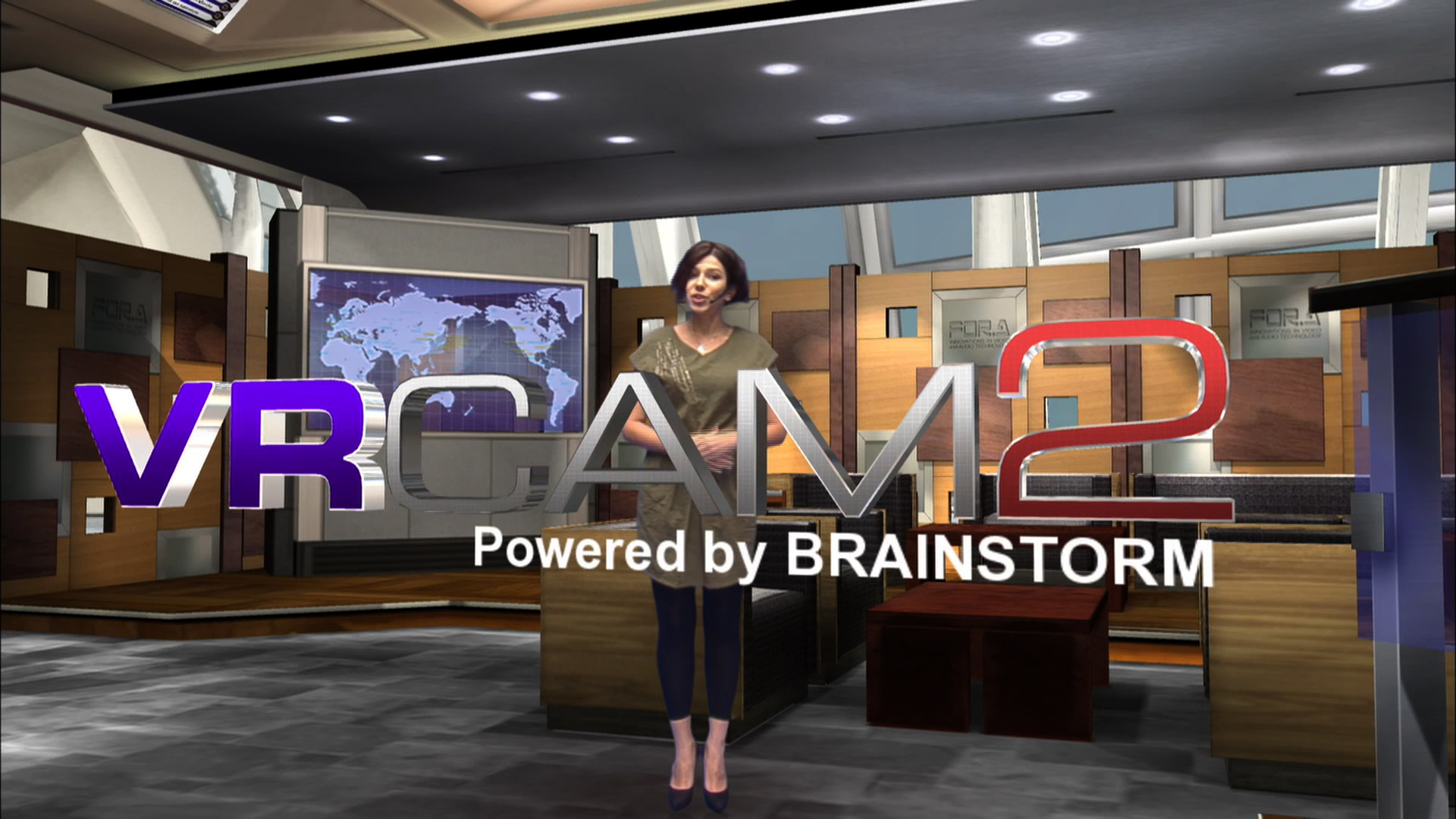
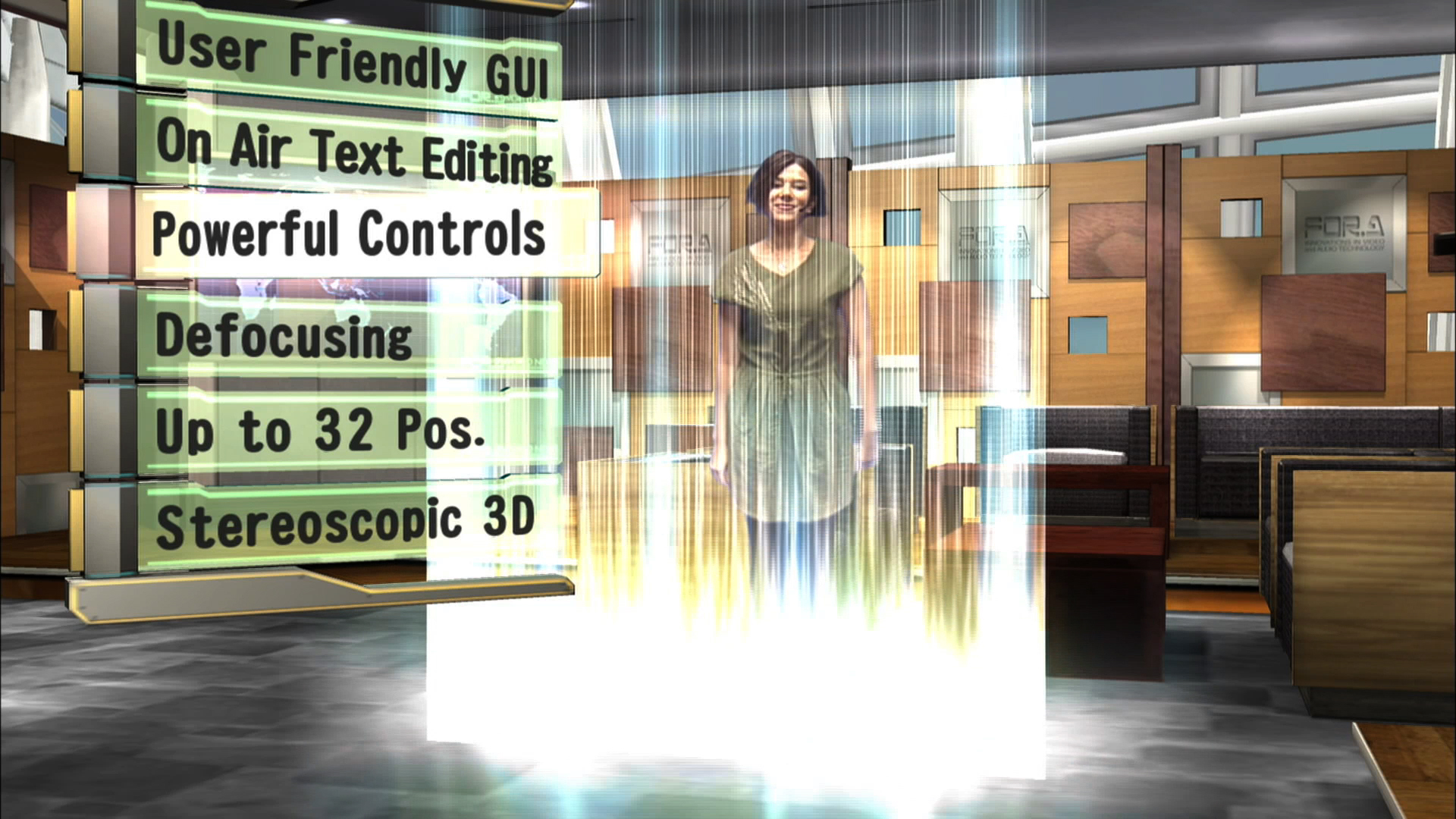
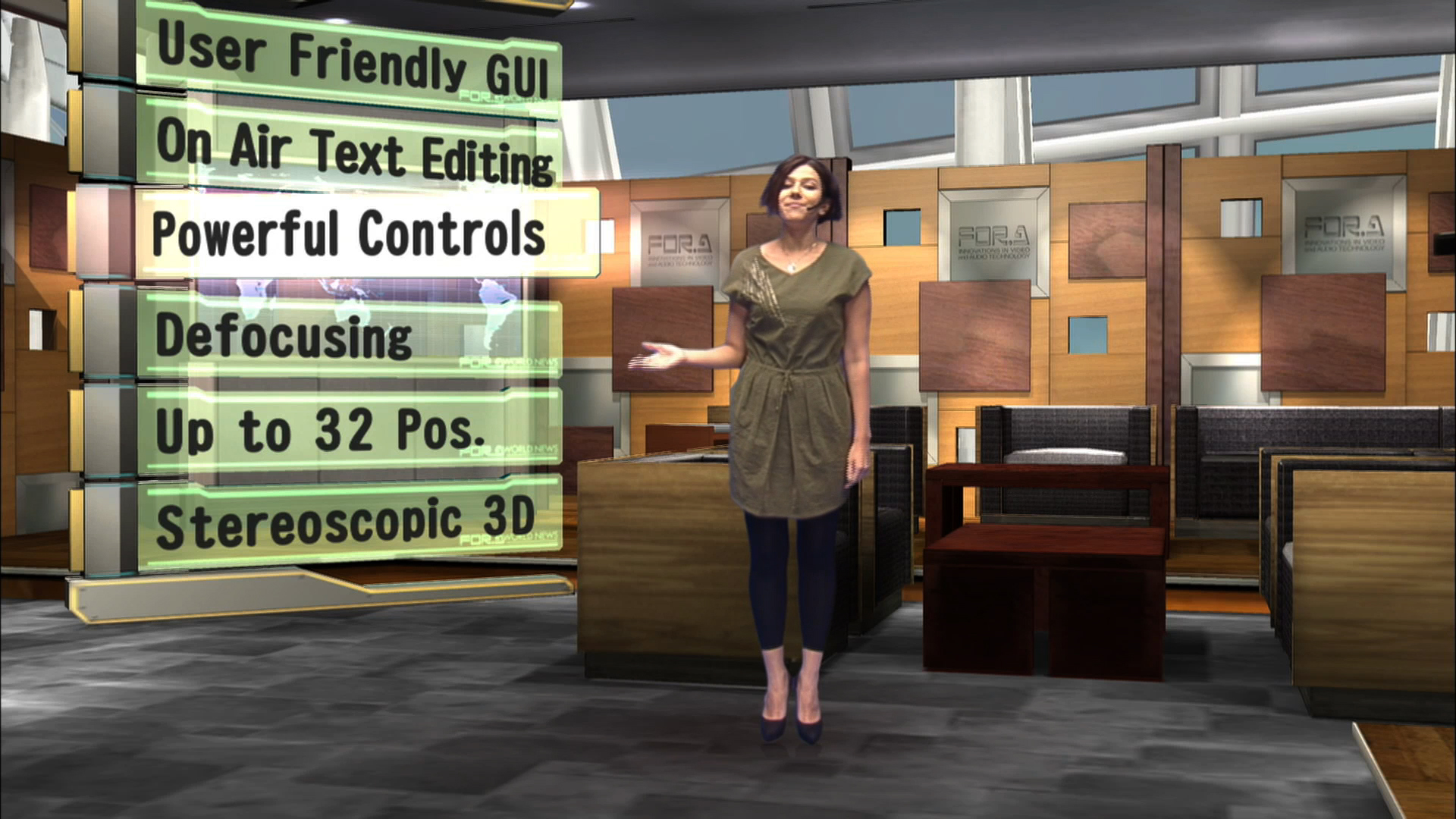
VRCAM, FOR-A's sensor-less virtual studio system enabling a virtual studio using a one-man-operated, no-cameraman environment, has been updated to the VRCAM2 with even more advanced features. The VRCAM2 system includes expanded camera positions, sensored cameras, and a host of other useful additional functions for program production.

Basic configuration
- PC: Z800 (Hewlett-Packard) or equivalent product
- Graphics card: Quadro 5000 (NVIDIA) or equivalent product
- CG processor: MBP-1244 (FOR-A), Chroma keyer: MBP-12CK (FOR-A)
- VRCAM2 software (VRCAM2 Proc, VRCAM2 Cont)
- Brainstorm eStudio license (Selectable from Engine Save, Desktop, and Global)
- OS: Windows XP 32 bit


Main Features and Functions

Scene control
- Scene change: Enables instant switching of multiple CG sets
- Object edit: Allows position, size, angle, color and texture editing (editable parameters may be limited for certain content).
- Video wall function (HD/SD-SDI input)


Camera control
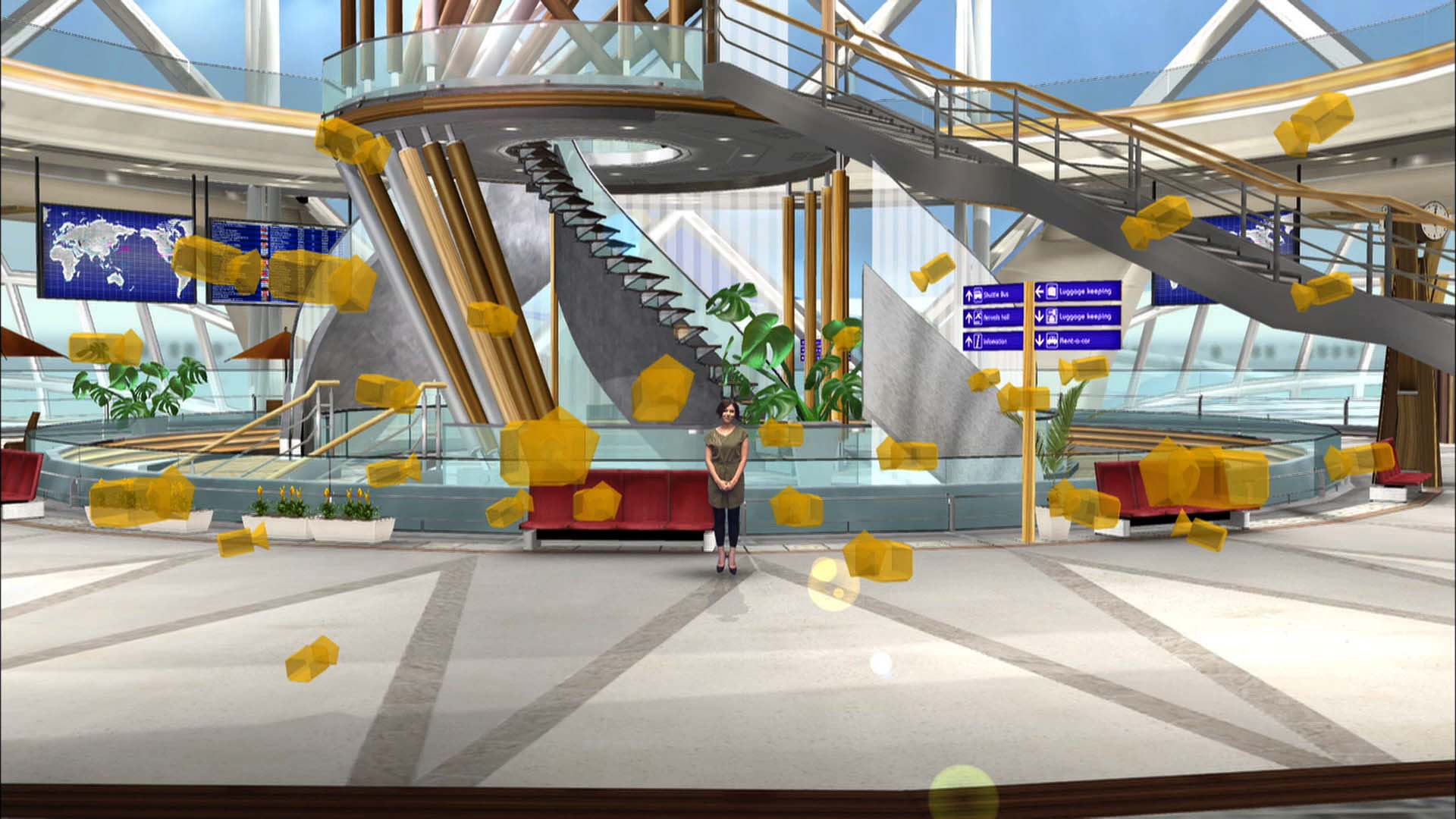
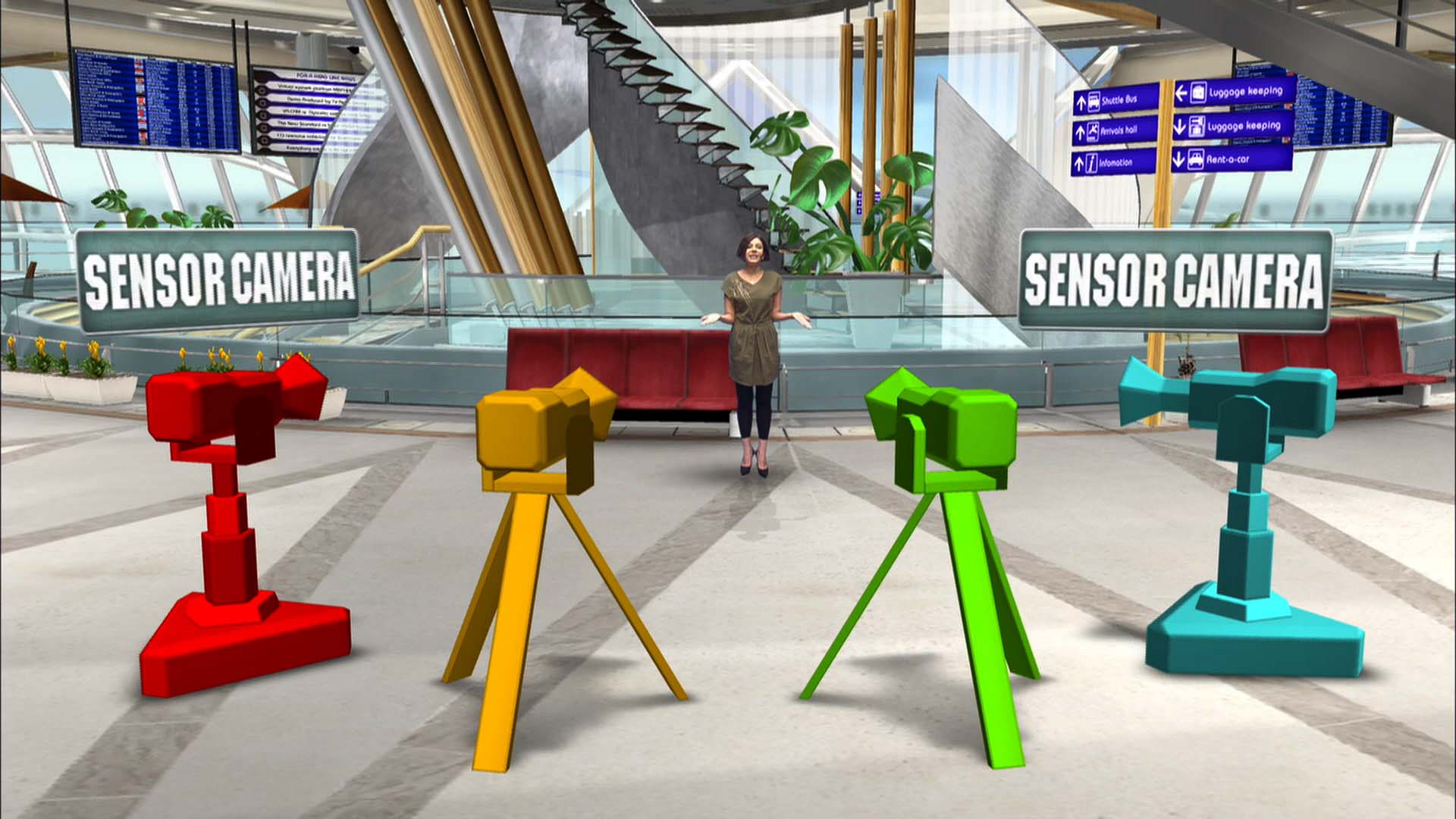
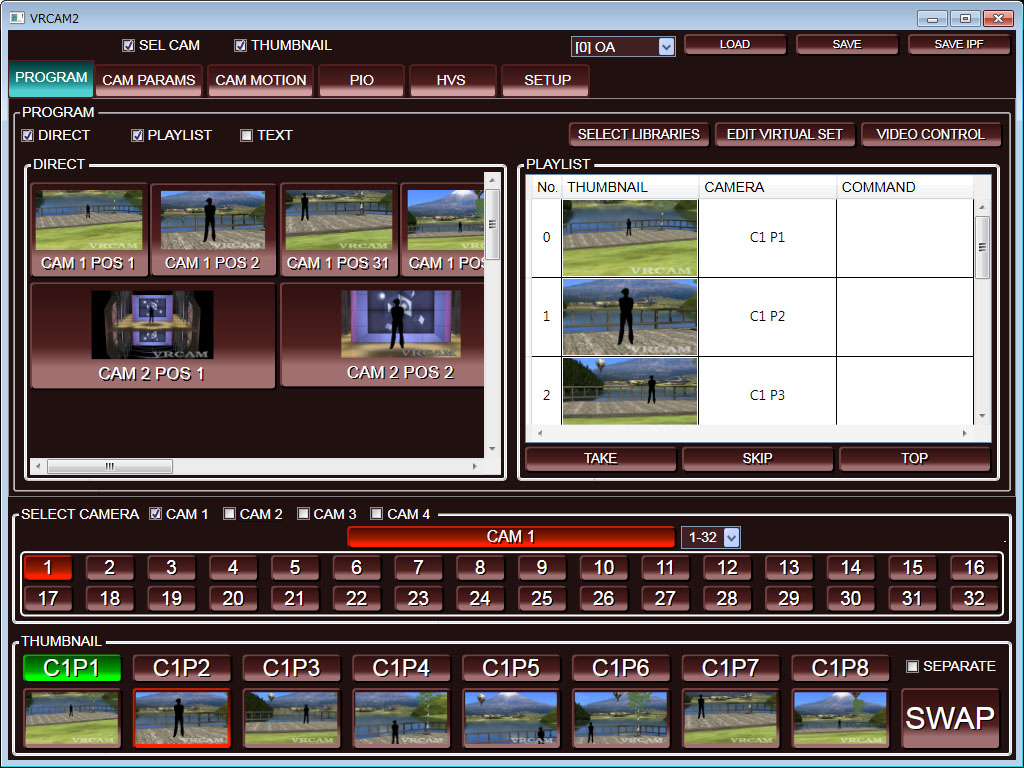
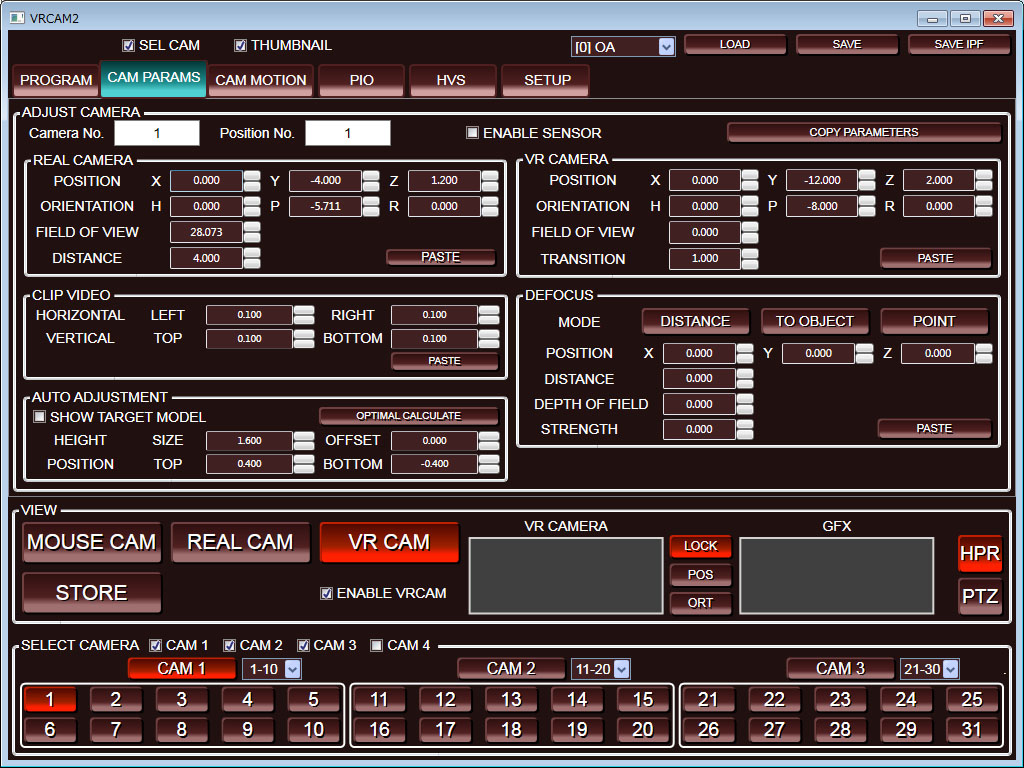
- Maximum of four virtual cameras: Up to 32 positions can be set per camera.
- Keyframe setting: Keyframe processes between virtual cameras allow non-linear movement as well as linear camera work.
- Keyframe editing: Enables changes to movement speed and acceleration and addition of stopping points
- Scene transitions: Cut, wipe, show/hide object, walk-in, and a wide array of other scene transitions
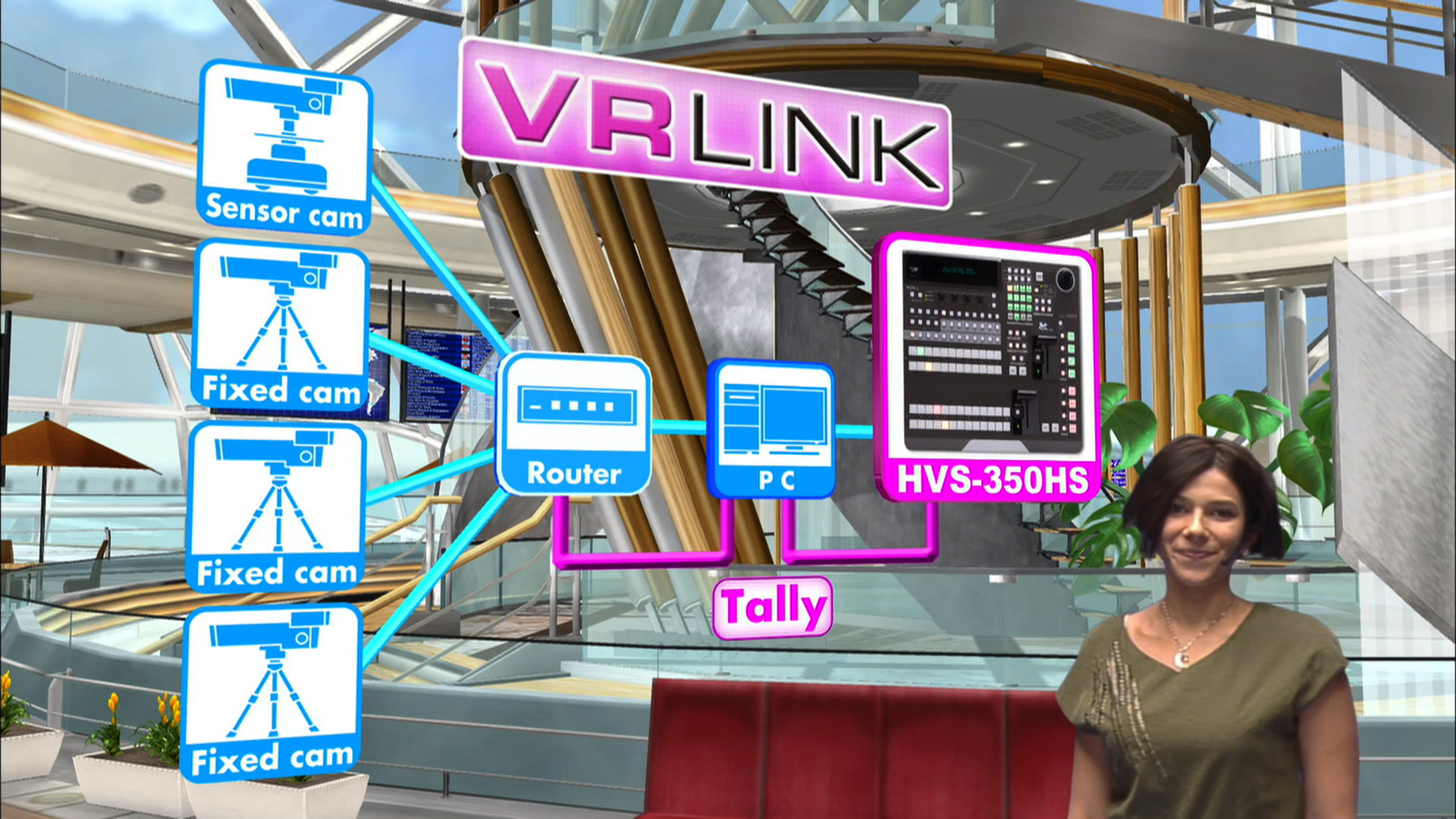
- Sensored camera support: Enables mixed configurations using two of the four cameras as sensored cameras.

Effects
- Defocus control: Enables effective presentation of background subject close-ups.
- Animation effects: A wide variety of animations (special effects) can be added for the subject.
- Allows audio files (sound effects) linked to effects to be specified.

Playlists
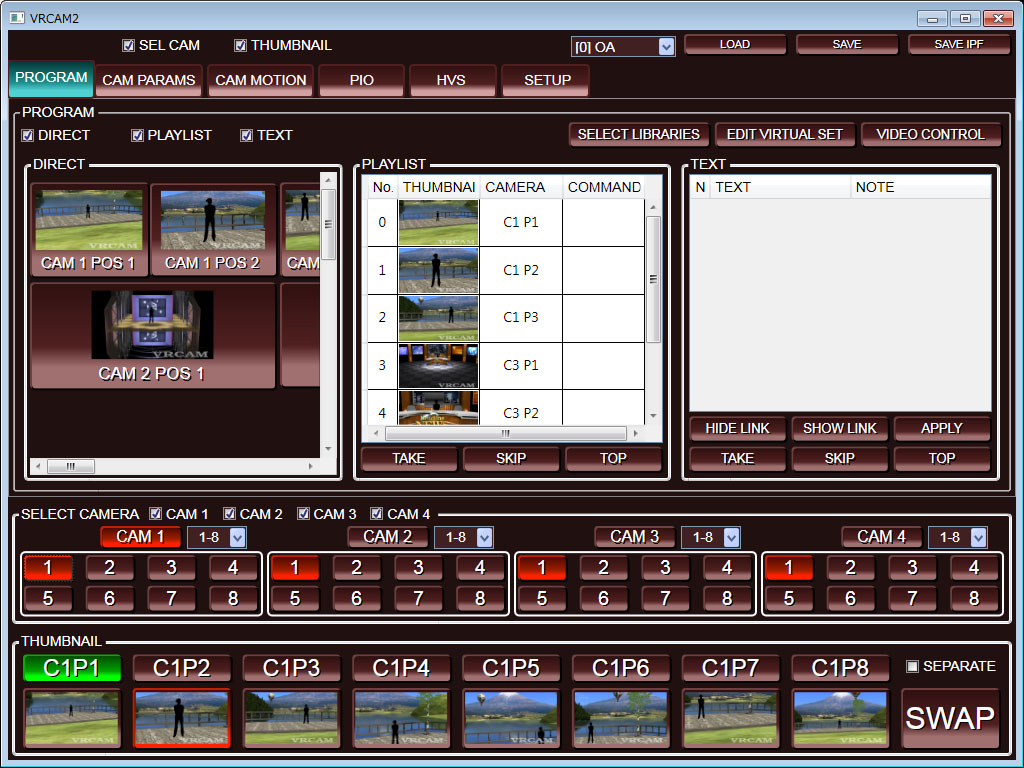
- One-touch operation: Camera switching, subtitles, captions, scene transitions, among other scheduled actions, can be saved sequentially onto a playlist, and scene takes alone during a live program enable programmed timeline effects.
- Multiple events can be registered as a single action

Direct buttons
- Usage with a playlist enables the program timeline to be maintained while allowing composition changes and presentations that give a sense of actually being in the audience for live broadcasts.

Text input
- Animated text can be displayed by simply selecting a template and entering the text.
- Text insertion times can be registered to the playlist.

Various control functions
- Video and audio file playback control: Each operation can be registered to a playlist.
- FOR-A MBP-100 Series MXF Clip Server can be used to control through thumbnail selection operation.
- Linkage with FOR-A DRS Series Routing Switcher for camera switching.
- Linkage with the HANABI Series Video Switcher (HVS-300HS/HVS-350HS) for assigning cameras and camera position selection to video switcher bus buttons and enabling control on the video swithcer-side.
- Support for external remote control, external device control, and tally output (contact control).

VRCAM System
Page Top
Sitemap American Latin American Chinese Korean Japanese Privacy pollcy All Right Reserved. Copyright FOR-A COMPANY LIMITED.2006